

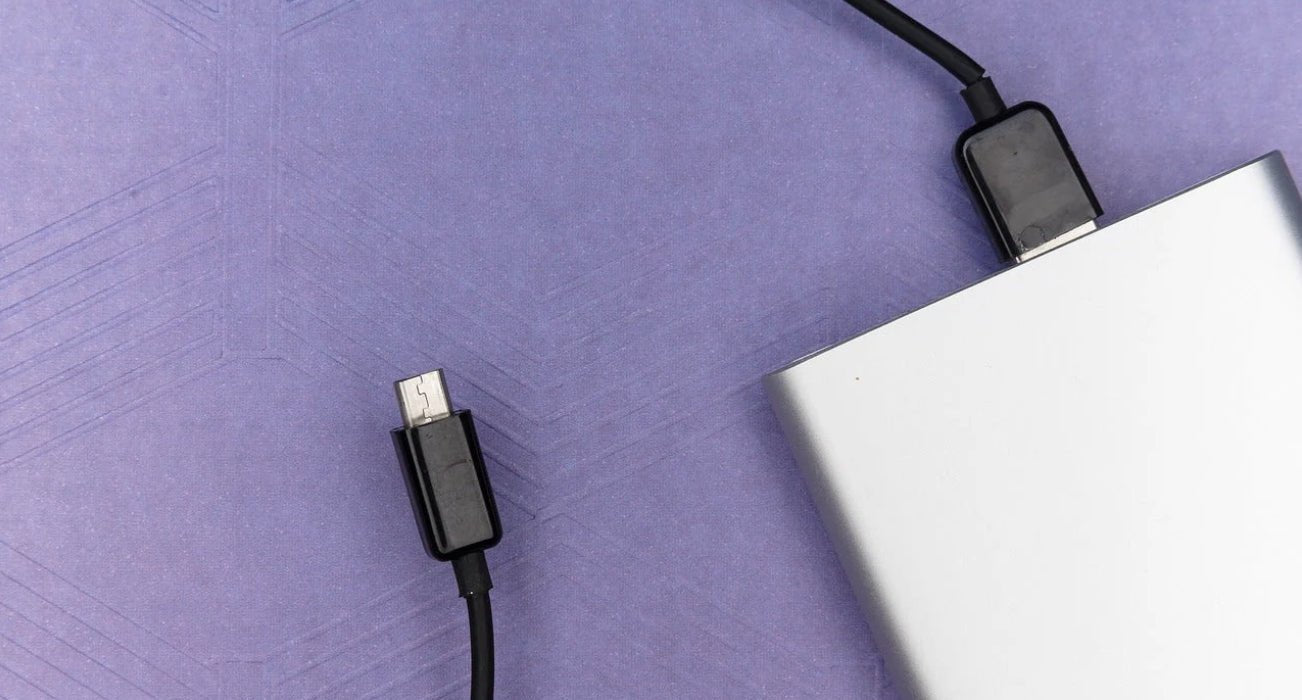
What Are the Rules and Why Can’t You Use Power Banks on Planes?
Kore Aviation - If you travel often you have probably asked why can’t you use power banks on planes. Airlines restrict certain portable batteries because of safety concerns. Lithium-ion power banks have chemical cells that can overheat lighting or spark under high pressure or vibration. That risks fire in the cabin.
That is why the Federal Aviation Administration and most carriers limit power bank capacity, require them in carry-on bags, and forbid their use during critical flight phases. Knowing these rules helps you travel smarter and safer.
The Science Behind Restricted Power Bank Use
Why Lithium Batteries Pose Risks
Power banks contain lithium-ion cells. If damaged or poorly manufactured these cells can short circuit and overheat. Under lower pressure in flight the chance of thermal runaway or smoke increases. Overcharging, high ambient temperature or physical damage can lead to battery failure. That is why airlines take prohibitive actions when they suspect non compliant devices.
Airline and FAA Regulations
Modern guidelines allow power banks under 100 watt‑hours per battery in carry-on only. Anything above that requires airline approval. International rules align through agencies like IATA. Checked baggage is forbidden from holding power banks due to fire suppression concerns. In short you cannot use power banks on planes if they exceed the threshold or are stowed incorrectly.
How Does This Impact Travelers and Devices?
-
Capacity Limits Apply
Power banks under 100 watt‑hours or up to two units under 160 watt‑hours are usually allowed in carry‑on. If you exceed limits the airline may confiscate them at screening. -
Use During Flight Is Limited
Even permitted power banks often must stay off during takeoff and landing. Using them mid‑flight may be allowed if airline conditions permit. -
Quality and Certification Matter
Only use certified power banks from trusted brands. Cheap or unmarked units are frequently denied at security checkpoints. -
Airport Screeners May Ask Questions
TSA or equivalent agents may ask to inspect power banks. If a battery is damaged or wrapped oddly they may reject it.
These practical effects mean travelers need to check their gear before heading to the gate.
How to Travel Smart With Power Banks
Traveling with devices and power demands thoughtful planning given the restrictions. Here are smart steps to stay charged safely:
-
Check Capacity Before You Fly
Look for printed watt‑hour rating on your power bank or calculate from voltage and amp hours. If unclear switch to a certified model. -
Always Pack Power Banks in Your Carry-On Bag
Never place them in checked luggage. Carry‑on storage lets flight crew respond quickly if overheating occurs. -
Avoid Using Power Banks During Taxi, Takeoff and Landing
LTE or high discharge draw can spike risk. Store them in a safe position until cruising altitude. -
Consider Power Banks With Airline Approval
Some models come with FAA compliance markings. That can speed up security screening.
These steps help you maintain device power without violating rules or risking safety.
Safety Precautions: Why Use Trusted Gear
If you carry such essential electronics like your phone or tablets especially during flight training or travel, power bank safety matters more than ever.
Kore Aviation recommends using reliable tools that align with airline and FAA standards especially if you travel often for training or flying. While a power bank is not part of aviation gear, your headset often powers via USB. Connecting it to a vet-approved power bank ensures your headset remains charged safely.
Discover More: What Happens If You Don’t Put Your Phone in Airplane Mode?
Too Many Power Banks Onboard? Here Are the Risks Explained
While a single small pack might be fine each additional unauthorized battery increases cumulative risk:
- Multiple devices drawing power can overload circuitry
- Crowded carry‑on pockets or wiring may lead to physical damage or spark risk
- Fire detection is harder if packs are stowed under insulation
Airlines enforce power bank policies to mitigate such cumulative risks and follow best practice guidance.
Real World Example: Airline Incident Reports
A few years ago airline staff discovered an unapproved power bank stowed in checked luggage that had overheated and begun smoking. That event prompted an emergency diversion to ensure passenger safety. This highlights how refusal to follow guidance about why can’t you use power banks on planes is not theoretical. Fire suppression is limited in the cargo hold versus cabin, making carry‑on restrictions essential.
Discover More: Why Do Pilots Wear Headphones?
FAQs: Why Can’t You Use Power Banks on Planes?
-
Can I use a small power bank during my flight?
Yes if under 100 watt‑hours and stored in your carry‑on. Ask the crew when usage is allowed after takeoff. -
Is it legal to bring power banks in checked baggage?
No. Power banks are strictly prohibited in checked baggage. -
Can a power bank cause a fire on a plane?
If damaged or defective yes. That is why strict limits and certification rules exist. -
How do I calculate watt‑hours correctly?
Multiply voltage by amp‑hours. Example: 3.7 volts times 2 amp‑hours equals 7.4 watt‑hours. -
Could the TSA confiscate my power bank?
Yes if it exceeds capacity limits lacks certification or looks damaged. -
Any power bank brands not allowed?
Airlines advise against generic, no‑brand units. Stick to reputable certified models only.
Final Thoughts
Now you know why you can’t use power banks on planes—and how to comply safely. The restrictions are based on real fire risk from lithium-ion batteries and recent global incidents. Power banks must be carried in cabin baggage only, kept visible, never used mid-air unless permitted, and always under watt-hour limits.
📞 Need a reliable aviation headset for distraction-free in flight training or travel? Contact Kore Aviation today. Their student pilot headset ensures clear ATC audio and comfortable wear, supporting safe flying and powerful communication on every flight.


