
When to Upgrade Your Student Pilot Headset
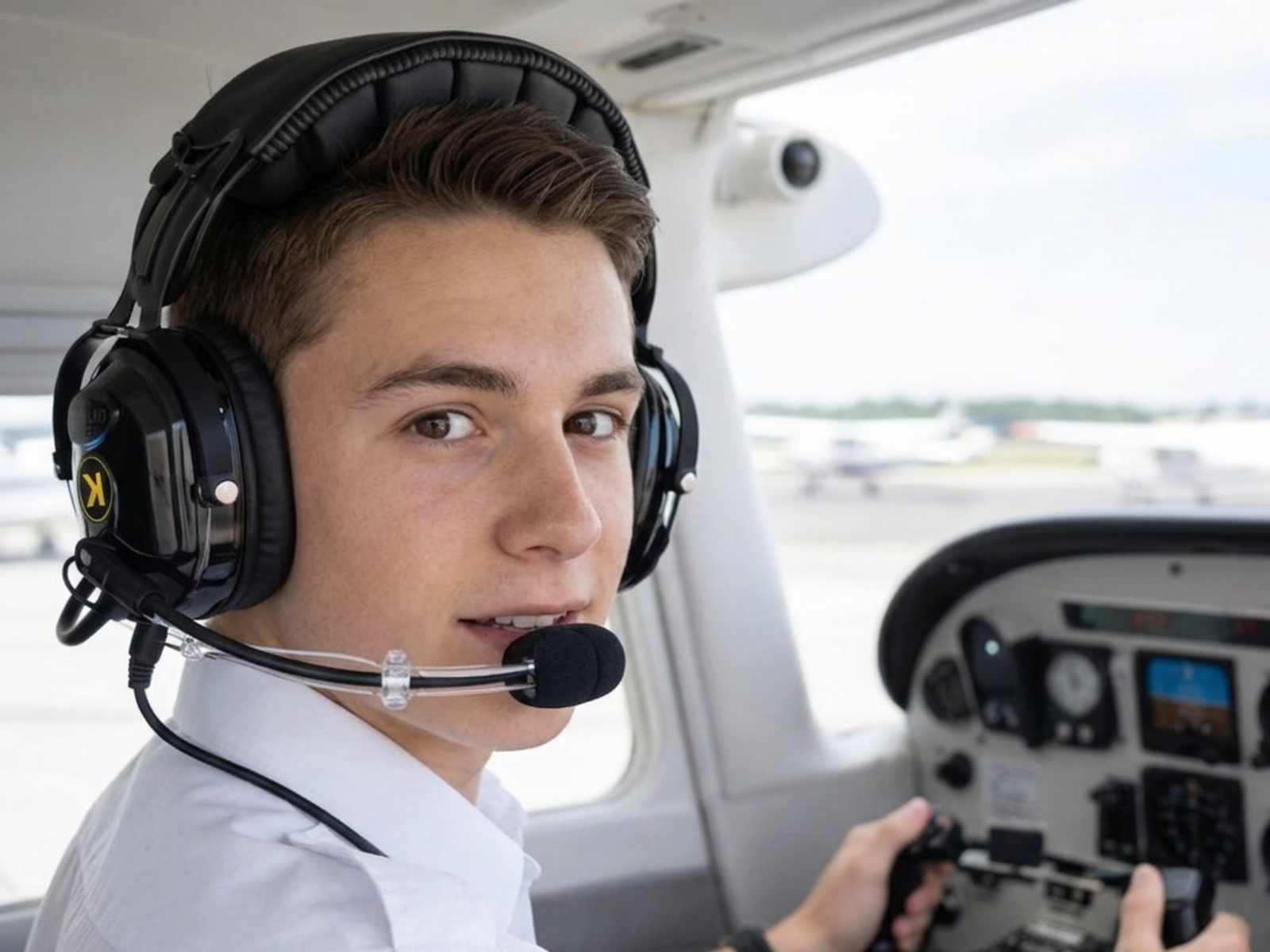
KORE Aviation - If you are still using a borrowed or rental headset during training, there comes a point where upgrading just starts to make sense. You'll notice the fit never feels quite right, and after a while you start paying more attention to the noise than you used to. At some point, you realize you are adjusting the volume more often than you should just to keep up.
None of these are huge problems on their own. But together, they start to affect how comfortable and focused you feel in the cockpit. That is usually the point where most student pilots realize a student pilot headset is not just something you borrow. It is something you use every single flight.
When Upgrading Actually Starts to Matter
Not every student pilot needs to buy a headset right away. Early on, borrowing one from the flight school is usually fine. But there is a point where that setup starts to feel less practical. That usually shows up in a few familiar ways:
-
You are flying often enough that the borrowed headset feels like a weak link
Once you are training two or three times a week, your headset stops feeling like a random piece of gear and starts feeling like something personal. -
You finish flights more tired than you expected
Sometimes that comes from the lesson itself. Sometimes it is the noise, the pressure on your ears, or the general discomfort of using a headset that was never a great fit to begin with. -
Radio calls are harder to catch than they should be
If you are missing parts of a transmission or turning the volume up more than usual, that is worth paying attention to. -
Your first solo is getting closer
At that point, most students want everything in the cockpit to feel familiar and dependable. A borrowed headset does not always give you that.
Each of these things can seem small on its own. Put them together, though, and they start to affect how comfortable and confident you feel in training. That is usually when upgrading starts to make sense.
What to Look for in a Student Pilot Headset Upgrade
Not all upgrades are equal. Here's what actually matters, ranked by impact on your training:
1. Noise Reduction (24 dB NRR Minimum)
A Cessna 172 cockpit runs around 85-100 dB during cruise. Every decibel of noise reduction your headset provides translates directly to less fatigue and clearer communication. Look for a Noise Reduction Rating (NRR) of at least 24 dB. Anything below 20 dB and you're still fighting the engine on every radio call.
2. Ear Seal Quality (Gel vs. Foam)
This is the single biggest comfort difference between a budget headset and a proper one. Foam ear seals compress flat after a few months, lose their seal, and let noise leak in. Gel ear seals, specifically silicone gel, conform to your head shape, maintain their seal flight after flight, and stay comfortable through 1.5-2 hour training sessions. If your current headset has foam seals and you're doing multiple flights per week, you already know the problem.
3. Mic Clarity (Noise-Canceling Electret)
A noise canceling electret mic with a preamp ensures ATC hears you clearly not you plus the engine. A flexible boom (360° is ideal) lets you position the mic correctly regardless of your face shape. Poor mic quality means repeating yourself on frequency, which slows everything down.
4. Warranty
You're going to use this headset through private, instrument, and possibly commercial training. That's potentially 2-4 years of regular use. A 1 year warranty on a training headset is a gamble. Look for 3-5 years minimum.
5. Comfort for Long Training Flights
Cross country flights during private pilot training can run 2+ hours. A steel-reinforced headband distributes weight evenly without the flex and creak of all plastic construction. Independent volume control per ear lets you balance audio without constantly adjusting.
Do You Need ANR (Active Noise Reduction)?
Honest answer: probably not yet.
Active Noise Reduction headsets use electronics to cancel low frequency engine noise. They're excellent and they cost $800-$1,200+. For a student pilot flying Cessna 172s or Piper Cherokees a few times a week, a well-built passive student pilot headset with 24 dB NRR handles the job. ANR becomes worth it when you're:
- Flying IFR regularly (more cognitive load = more noise sensitivity)
- In louder aircraft (turboprops, older airframes)
- Flying 4+ hours at a stretch
- Earning income as a pilot and writing it off
For training in a typical single engine piston aircraft, putting $600+ toward ANR is money better spent on flight hours. A quality PNR headset at 24 dB NRR with gel ear seals will carry you through your private and instrument ratings without compromise.
The Student Pilot Headset Upgrade Path
Here's how most pilots progress through headsets, with realistic price points:
| Where You Are | Upgrade To | Price | Why |
|---|---|---|---|
| Rental / loaner headset | KORE P1 | $124.95 | Your own headset with clean ear seals and a reliable mic. A solid entry point if budget is tight. |
| P1, RA200, or similar budget PNR | KORE KA-1 | $224.95 | The long haul training headset. Gel ear seals, 24 dB NRR, noise canceling mic, 5-year warranty. Professional specs for the price of a few flight hours. |
| KA-1 or similar mid-range PNR | Bose A30 / Lightspeed Zulu 3 | $1,000-$1,250 | ANR for professional flying, IFR, or louder aircraft. Makes sense when you're building hours or flying for a living. |
Most student pilots hit the sweet spot at the middle tier. The jump from a budget headset to the KA-1 is the upgrade you'll feel immediately better noise reduction, dramatically better comfort, and a mic that doesn't make ATC ask you to "say again."
Read more: PNR vs ANR Headsets: Which Suits Best for Student Pilot?
Why the KA-1 Hits the Mark for Student Pilots
The KORE Aviation KA-1 checks every box on the priority list above, at a price that doesn't eat into your flight training budget:
- 24 dB NRR passive noise reduction — handles Cessna and Piper training aircraft without issue
- Silicone gel ear seals (included standard) — not a $40 add-on like other brands
- Noise-canceling electret mic with preamp and 360° flex boom
- Mono and stereo compatible — works in any training aircraft
- AUX input — plug in ForeFlight audio or listen to ATIS on your tablet
- Independent volume control per ear
- Steel-reinforced headband — built to last through years of training
- Carrying case included
- 5-year warranty
It is the kind of headset you can use through private, instrument, and beyond without feeling like you need to replace it too soon. At around $224.95, it also sits in a range that does not compete directly with your flight budget, which is a big factor for most students.
Frequently Asked Questions
1. When should a student pilot upgrade their headset?
Upgrade when you are flying regularly, feeling discomfort after flights, having trouble hearing ATC, or getting close to your first solo. If you are committed to training, having your own headset will make every lesson easier.
2. Is it worth buying an expensive headset as a student pilot?
It depends on what "expensive" means. Spending $200-$250 on a quality PNR headset like the KORE Aviation KA-1 is absolutely worth it because you will use it for years. Spending $1000 or more as a student is harder to justify unless budget is not an issue.
3. What's the difference between ANR and PNR aviation headsets?
PNR blocks noise using padding and design. ANR adds electronics to reduce engine noise. ANR is quieter, but much more expensive. A good PNR headset around 24 dB works well for most training aircraft.
4. How much should a student pilot spend on a headset?
Most student pilots should budget $125 to $250. Below $100, quality drops quickly. Above $250, you are often paying more without a big improvement. The sweet spot is usually around $200 to $250.
5. Do gel ear seals really make a difference?
Yes, they are worth it. Gel ear seals are more comfortable, seal better, and hold up longer. Foam tends to flatten and get uncomfortable, especially on longer flights.
6. Can I use the same headset for helicopter and fixed-wing training?
Fixed-wing aircraft typically use dual GA plugs (PJ-055 and PJ-068), while helicopters use a single U-174 plug. You'll need a headset designed for each or an adapter. The KA-1 is built for fixed-wing GA aircraft. For helicopter training, check out the KORE Aviation H1.
The Bottom Line
The best student pilot headset is the one that makes training easier without putting unnecessary pressure on your budget. A good headset helps you hear clearly, stay comfortable, and focus on flying instead of dealing with distractions that build up over time.
If you're still borrowing or renting, get your own headset. If you've outgrown your starter headset, the KA-1 is where most student pilots land and where most wish they'd started. Save the $1,000+ ANR headset for when you're flying professionally. Right now, put the difference toward flight hours.
Check out KORE Aviation KA-1 if you want a practical upgrade that fits right into training.


