

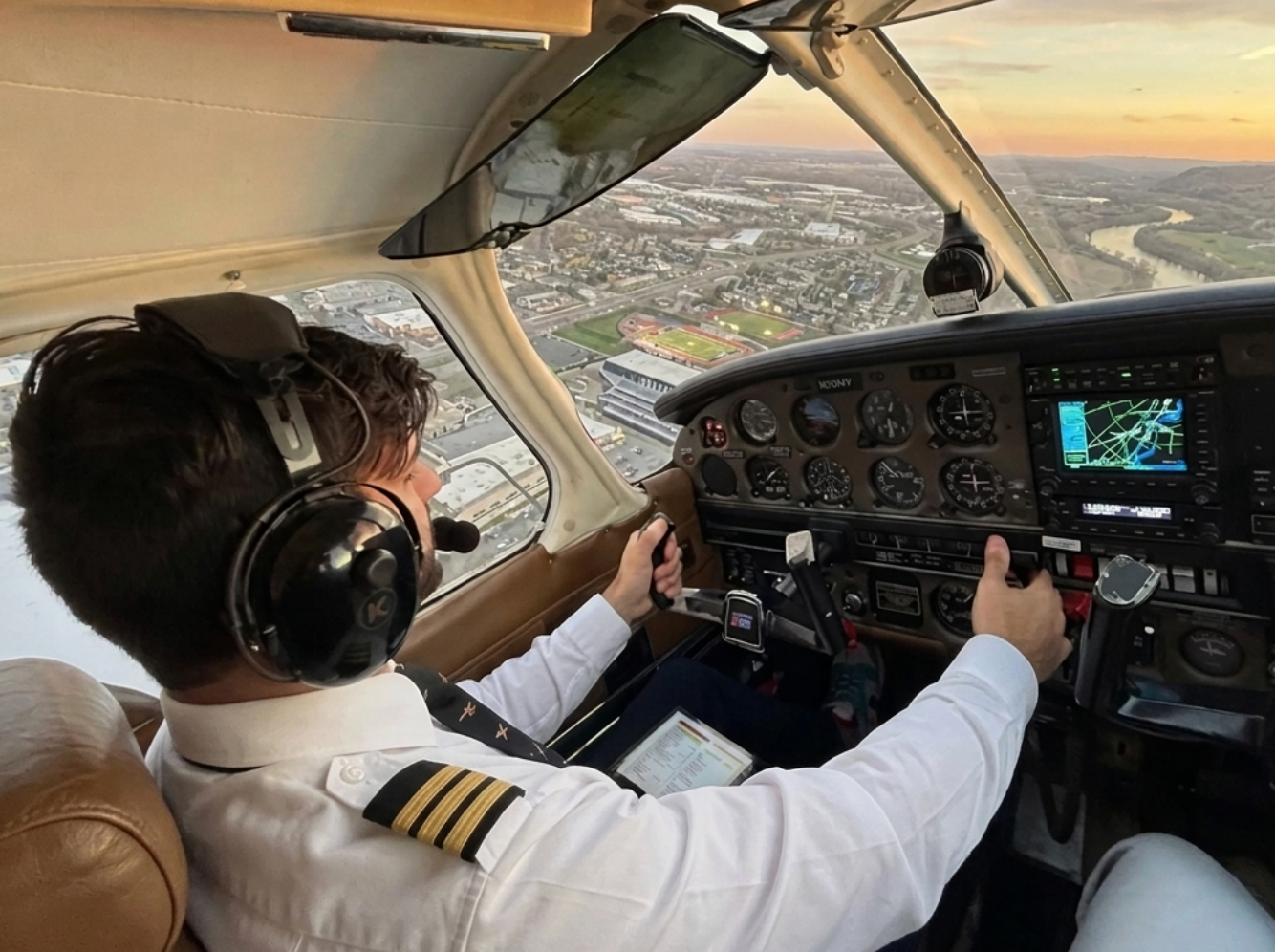
KORE Aviation - Walking into an aviation supply store for the first time can feel overwhelming. Rows of headsets line the shelves, prices range from $90 to over $1,300, and every box promises the "best noise reduction." The biggest decision most student pilots face early on is simple: do I need an ANR aviation headset, or will a PNR model work just fine for training?
The short answer might surprise you. Most flight schools, including over 50 KORE Aviation partners across the U.S., recommend PNR headsets for students. Not because PNR is "good enough," but because it genuinely makes sense for the type of flying you do during your first 50 to 100 hours.
This guide breaks down the real numbers behind cockpit noise, what an ANR aviation headset adds to the equation, why the flight school world overwhelmingly picks PNR for training fleets, and when upgrading to ANR genuinely pays off in your flying career.
How Loud Is a Training Cockpit? Real Numbers, Not Marketing Claims
Before deciding between an ANR aviation headset and a PNR model, you need to know what you are actually protecting against.
A Cessna 172 cockpit at cruise power produces roughly 85 to 95 dB of noise. During engine run-up with windows open, readings can spike above 100 dB. A Piper Cherokee sits in a similar range. According to OSHA standards, unprotected exposure above 85 dB for extended periods risks hearing damage.
Here is what those numbers look like in context:
| Sound Source | Noise Level |
|---|---|
| Normal conversation | 60 to 65 dB |
| Busy highway traffic | 70 to 80 dB |
| Cessna 172 cockpit at cruise | 85 to 95 dB |
| Engine run-up (windows open) | 100+ dB |
| OSHA hearing protection threshold | 85 dB |
A PNR headset with quality ear seals typically reduces cockpit noise by 20 to 24 dB. That brings the sound reaching your ears down to roughly 65 to 75 dB, well within safe levels for training flights lasting one to two hours.
An ANR aviation headset adds electronic noise cancellation on top of that passive seal, reducing an additional 10 to 15 dB, primarily in the low-frequency range where engine drone lives. The total reduction can reach 30 to 38 dB.
For a one hour pattern session or a two-hour cross country, PNR handles the job. The extra ANR benefit becomes more noticeable on flights lasting three hours or more, and those are rare during early training.

What ANR Does That PNR Cannot
PNR blocks noise through physical materials: dense foam, tight ear seals, and the structure of the ear cups. It handles mid and high frequencies well (propeller whine, wind, avionics fans) but struggles with low-frequency engine rumble.
ANR uses tiny microphones inside the ear cups to sample incoming noise, then generates an opposing sound wave to cancel it. This works against steady, low-frequency sounds like the constant engine drone that causes fatigue over time.
The tradeoff: ANR headsets require batteries or a power source. If the batteries die mid-flight, you lose the active cancellation and fall back to whatever passive seal the headset provides. Some premium ANR models have weaker passive seals than dedicated PNR headsets because they rely on the electronics to do the heavy lifting.
Why Over 30 Flight Schools Recommend PNR Headsets for Training
Flight schools do not make headset recommendations casually. When a school equips a fleet of 10, 20, or 50 loaner headsets, the decision involves durability testing, student feedback, and hard math.

Here is why PNR wins over an ANR aviation headset in training environments:
-
Durability under daily use.
Training headsets get tossed in bags, dropped on ramps, and worn by different students every day. PNR headsets have fewer moving parts, no electronics to fail, and no batteries to manage. Schools report fewer warranty claims and longer service life from PNR models compared to entry-level ANR options. -
Fleet economics.
A quality PNR headset like the KORE Aviation KA-1 costs less than $250 Equipping a 20-unit loaner fleet runs about $4,500. Comparable ANR headsets at the premium tier cost $800 to $1,300 each, putting a 20-unit fleet at $16,000 to $26,000. That is a difference of $11,500 to $21,500, and that money pays for instructor hours, fuel, or aircraft maintenance instead. -
No battery logistics.
Managing batteries across a fleet of loaner ANR headsets creates an ongoing cost and operational headache. Dead batteries mid-lesson disrupt training. PNR headsets work every time, with no charging stations or battery stock required. -
Students have not formed preferences yet.
Until you log 30 to 50 hours, you do not know whether you prefer a specific clamping pressure, over-ear fit style, or how much you value Bluetooth connectivity. Starting with PNR lets you learn what matters to you before spending $800 or more on an ANR aviation headset you might not love.
KORE Aviation partners with over 30 flight schools across the U.S. for exactly these reasons. The KA-1 includes gel ear seals, delivers 24 dB of passive noise reduction, and carries a 5-year warranty, making it the go-to fleet headset for schools that prioritize both quality and budget.
Also read: Why 30+ Flight Schools Chose This PNR Headset for Their Students

The $800 Question: Where That Money Goes in Flight Training
Getting your private pilot license in 2026 costs between $15,000 and $23,000 for most students. Every dollar counts. Here is what the price difference between a PNR headset and a premium ANR aviation headset buys in flight training terms:
| Instead of $800+ on ANR... | You could get... |
|---|---|
| KORE Aviation KA-1 headset (~$220) | The same hearing protection for training flights |
| Plus 3 to 4 extra flight hours (~$575) | 3 to 4 hours closer to your checkride |
| Or a ForeFlight subscription for 2+ years | The #1 EFB app every CFI recommends |
| Or a full ground school course | Sporty's ($299), Pilot Institute ($249), or Gold Seal ($229) |
That $575 difference between a quality PNR headset and a premium ANR model pays for roughly three to four hours of dual instruction at national average rates. For a student trying to pass a checkride within 60 to 75 total hours, those extra hours matter more than marginal noise reduction on short training flights.
The math changes later in your career. Once you fly 200+ hours per year, do long IFR cross countries, or instruct full-time, the comfort benefit of an ANR aviation headset justifies the price. During primary training? It rarely does.
Also read: How Much Should You Spend on Your First Aviation Headset?
When an ANR Aviation Headset Makes Sense in Your Flying Career
ANR is not a gimmick. It is a legitimate tool that serves specific flying profiles. Here is a simple framework:
Stick with PNR if:
- You are working toward your PPL (Private Pilot License) and most flights last under two hours
- You are training at a Part 61 or Part 141 school with short local flights
- Budget is a factor in your training plan, and every dollar toward flight hours counts
- You want a headset that works reliably without batteries or electronic components
Consider upgrading to an ANR aviation headset if:
- You are flying professionally as a CFI logging 6+ hours daily in a loud cockpit
- You have a medical condition where noise exposure is a specific concern
- You fly helicopters, where cockpit noise levels run 95 to 105 dB at cruise
The sweet spot for most pilots: buy a quality PNR headset for training, invest the savings into more flight hours, and upgrade to ANR after your checkride when your flying profile demands it. Many pilots keep their PNR headset as a backup or lend it to passengers even after upgrading.
Also read: Student Pilot Headset Upgrade Guide: When to Move Up and What to Look For
How to Get the Most Out of a PNR Headset During Flight Training
A good PNR headset performs surprisingly well when you use it correctly. These four tips make a noticeable difference in the cockpit:
- Replace ear seals regularly. Worn seals leak noise. Fresh gel ear seals can improve noise reduction by 3 to 5 dB. The KORE Aviation KA-1 ships with gel ear seals included, and replacements are affordable.
- Adjust the headband for a snug, even fit. The seal between the ear cup and your head does most of the work. If you feel air gaps around the cups, reposition them until the seal is firm and even on both sides.
- Use foam ear plugs underneath for extra-noisy aircraft. On older trainers with higher noise levels, wearing foam plugs under your headset can add another 10 to 15 dB of protection. Many CFIs use this "double protection" technique on long days.
- Store your headset properly. A headset bag protects the ear seals from sun damage and compression, extending their life and noise-blocking effectiveness. The KORE Aviation P1 (~$120) also comes with a protective bag for students who want a complete starter kit on a tighter budget.
Also read: How to Maintain Your Aviation Headset for Long Life and Clear Communication
ANR vs PNR for Student Pilots: Quick Comparison
| Feature | PNR Headset | ANR Aviation Headset |
|---|---|---|
| Noise reduction | 20 to 24 dB (passive only) | 30 to 38 dB (passive + active) |
| Best for | Training flights under 8 hours | Long cross countries, 8+ hours |
| Battery required | No | Yes |
| Typical price range | $90 to $400 | $500 to $1,300+ |
| Durability | High (no electronics to fail) | Moderate (electronics can fail) |
| Weight | Generally lighter | Varies by model |
| Failure mode | None (always works) | Falls back to passive seal only |
| Best for student pilots? | Yes, for most training profiles | Only if budget allows and flights are long |
¹ Noise reduction values are approximate and vary by model and ear seal condition.
² Price ranges reflect 2026 market averages for general aviation headsets.
Bottom Line
Most student pilots do not need an ANR aviation headset during primary training. PNR headsets provide 20 to 24 dB of noise reduction, enough for safe and comfortable flights lasting one to two hours. Over 30 flight schools recommend PNR for their training fleets because of durability, cost effectiveness, and zero battery dependency.
The $575+ you save by choosing a quality PNR headset like the KORE Aviation KA-1 (~$220) over a premium ANR model can go toward three to four extra flight hours, getting you closer to your checkride faster. Consider upgrading to ANR after your PPL if your flying shifts to longer missions.
Frequently Asked Questions
1. Do I need an ANR aviation headset for my first solo?
No. The vast majority of student pilots complete their private pilot training, including solo flights, with PNR headsets. Your headset needs to provide clear radio communication and adequate hearing protection, and a quality PNR model delivers both. Over 50 flight schools partner with KORE Aviation and equip students with PNR headsets for exactly this reason.
2. Will a PNR headset protect my hearing during flight training?
Yes. A PNR headset rated at 20 to 24 dB of noise reduction brings cockpit sound levels in a Cessna 172 (85 to 95 dB) down to 65 to 75 dB, well within safe exposure limits for training flights. The KORE KA-1 provides 24 dB of passive noise reduction and includes gel ear seals for a tight acoustic seal.
3. Is the noise reduction difference between PNR and ANR noticeable on training flights?
On short training flights (under two hours), most student pilots report minimal noticeable difference. The gap becomes more apparent on flights exceeding three hours, where the low-frequency cancellation from ANR reduces fatigue. For the typical traffic pattern and local training profile, PNR handles the job comfortably.
4. Can I upgrade from PNR to ANR later without wasting money?
Absolutely. Starting with an affordable PNR headset like the KORE Aviation KA-1 ($224.95) or KORE Aviation P1 ($124.95) lets you learn your preferences before committing to an $800+ ANR aviation headset. Many pilots keep their PNR headset as a backup or lend it to passengers even after upgrading.
5. What PNR headset do flight schools recommend for student pilots?
Flight schools prioritize durability, comfort, and fleet-friendly pricing. The KORE Aviation KA-1 is a popular choice among schools because of its 24 dB noise reduction, included gel ear seals, 5-year warranty, and $224.95 price point. Over 30,000 pilots fly with KORE headsets, and 50+ flight schools across the U.S. have chosen KORE as their training headset partner.


