

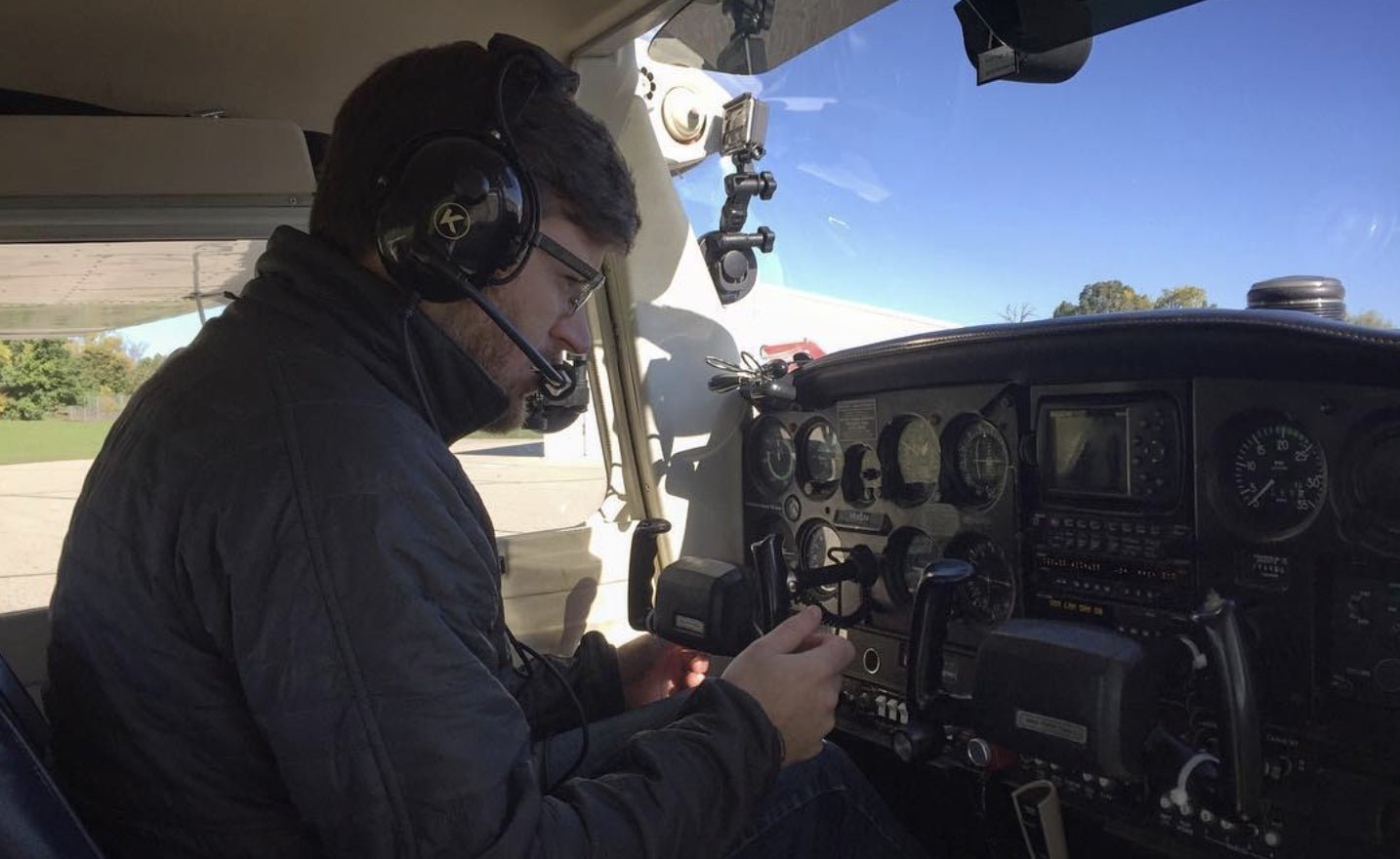
KORE Aviation - How to improve communication with ATC as a beginner? It’s one of the most common questions student pilots ask. For many, speaking on the radio is more intimidating than flying itself. Miscommunication can lead to delays, confusion, or even safety risks. But it doesn’t have to be scary. With the right mindset, tools, and habits, you can sound like a pro, even if you're just getting started.
In this guide, we’ll explore techniques and tips that make ATC communication smoother and more natural from day one.
Why Good ATC Communication Matters
Clear communication with Air Traffic Control (ATC) ensures safety and efficiency in the air. When you speak clearly and confidently, controllers can give you accurate directions without delays or confusion.
Poor radio work slows traffic and adds stress for everyone on frequency. For beginners, it’s not about sounding perfect, it’s about being understood.
7 Steps to Improve Communication With ATC as a Beginner
1. Learn Basic Aviation Phraseology
Start with the standard words and responses used in aviation:
- “Cessna 345AB, ready for departure runway 25.”
- “Cessna 345AB, cleared for takeoff runway 25.”
- “Cessna 345AB, traffic in sight.”
Use the FAA Pilot/Controller Glossary to practice phraseology. The more familiar the terms, the more natural it becomes.
2. Write It Down First
Before taxiing, write out expected radio calls on a notepad:
- ATIS info
- Ground clearance
- Tower departure instructions
This helps reduce “mic fright” and keeps you focused under pressure.
3. Listen to LiveATC.net
This website streams real radio transmissions from airports across the world. Tune in and try repeating what you hear. Focus on cadence, speed, and brevity.
4. Practice With an Instructor
Ask your CFI to simulate radio calls during ground school. Use mock scripts and feedback to boost your comfort level before your first flight.
5. Stay Calm and Take Your Time
No one expects you to talk like a pro right away. Speak slowly and clearly. If you don’t understand a message, say:
“Say again, please.”
ATC would rather repeat than have you guess wrong.
6. Avoid Filler Words
Stick to what matters. Avoid saying “uh,” “um,” or unnecessary phrases. Get to the point while remaining polite.
7. Use a Quality Aviation Headset
A good headset like the KORE Aviation KA-1 makes a huge difference. Clear mic audio reduces background noise and helps you hear ATC instructions better.
Explore KORE Aviation’s best student pilot headset options here
Radio Etiquette and Tips for Beginners
1. Know What to Say Before You Transmit
Before pushing the button, know your:
- Who you’re calling: “Palo Alto Tower”
- Who you are: “Cessna 345AB”
- Where you are: “Holding short runway 31”
- What you want: “Ready for takeoff”
This “Four Ws” structure keeps your calls crisp and clear.
2. Don’t Step on Other Pilots’ Transmissions
Wait for a pause before speaking. If you jump in too soon, your call overlaps with someone else’s and no one gets heard.
3. Always Read Back Critical Instructions
If ATC says “Cleared to land,” repeat it back to confirm. This is especially important for clearances, altitudes, and runway assignments.
Looking for gear that enhances ATC clarity? Check out our article on How to Choose and Test an Aviation Headset Before Your First Flight
Common ATC Mistakes to Avoid
Here are the top mistakes beginner pilots make on the radio and how to fix them:
-
Talking Too Fast
Slow down. Controllers are used to working with new pilots. Speed leads to slurring. -
Forgetting to Read Back Clearances
This shows ATC you understood. Skipping read backs can delay clearances. -
Not Listening Before Keying the Mic
Missing a read back or stepping on traffic causes confusion. -
Using Non-Standard Language
Stick with FAA phraseology. Don’t invent phrases. -
Panicking After a Missed Call
Stay calm. Ask ATC to “Say again” and get back on track.
Avoiding these habits makes your radio work smoother and more professional.
How KORE Aviation Headsets Help Student Pilots
Clear communication begins with gear that performs. KORE Aviation’s KA-1 headset is a favorite among student pilots and CFIs.
Why Choose KORE?
- Lightweight comfort for long flights
- Crisp microphone clarity for clean ATC transmissions
- Durable design and affordable pricing
- FAA compliance and flight school trusted
🎧 Ready to fly with confidence? Order your KORE Aviation headset today and make every call count.
FAQs: How to Improve Communication With ATC as a Beginner?
1. What should I say when I don’t understand ATC?
Say:
“Say again, please.”
Controllers prefer repetition over guesswork.
2. How do I start a radio call?
Use the Four Ws:
“Palo Alto Ground, Cessna 345AB, at the ramp with information Alpha, ready to taxi.”
3. Can I use my phone to listen to ATC?
Yes. Apps like LiveATC.net or VFR Map let you listen to real conversations.
4. Will ATC get frustrated if I make mistakes?
Not usually. Controllers are trained to work with beginners and student pilots. Just be polite and correct yourself when needed.
5. How soon will I get comfortable?
Most students start feeling confident within 5–10 flights, especially with regular practice and feedback.
6. Does headset quality really matter?
Absolutely. A bad headset leads to poor audio, missed calls, and discomfort. KORE Aviation solves that affordably.
Final Thoughts
Learning how to improve communication with ATC as a beginner is part of every pilot’s training. You won’t be perfect from day one, but you’ll get there faster with the right tools, clear phraseology, and regular practice. It’s all about building confidence, one call at a time.
Get flight-ready with KORE Aviation. Student pilot headsets offer comfort and clarity so your first calls to ATC are loud, clear, and professional.


